Keybinds
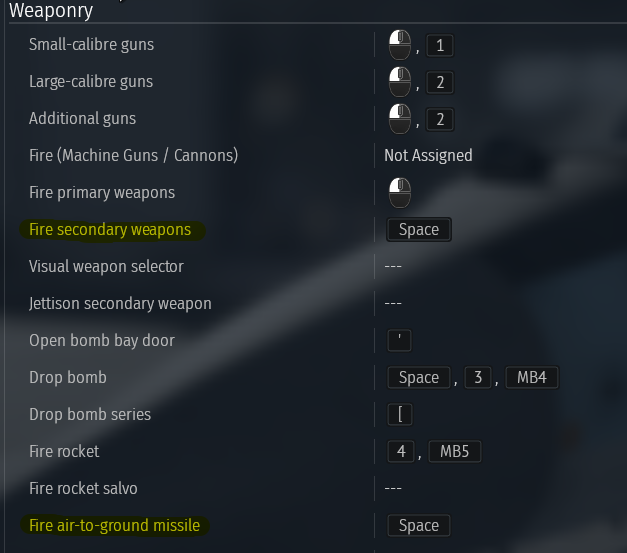
To lock an anti-ship missile, you need to set the following keybinds: “Lock Radar/IRST on target” and “Change Radar/IRST mode”.
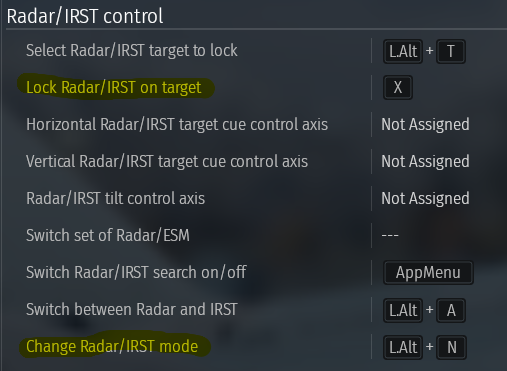
To fire an anti-ship missile, you need to set a keybind for “Fire secondary weapons” or “Fire air-to-ground missile”.
How to use radar-guided anti-ship missiles
First, press the “Change Radar/IRST mode” keybind until the radar switches to “SCR SEA”.
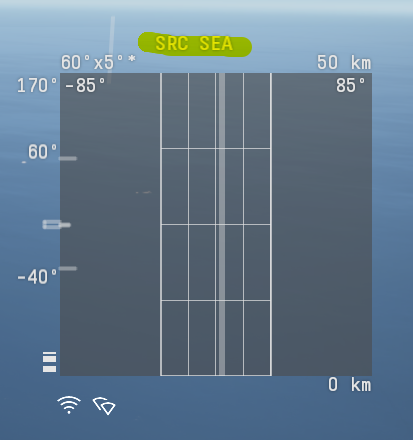
After switching to “SCR SEA” mode, the ships should appear on the radar.
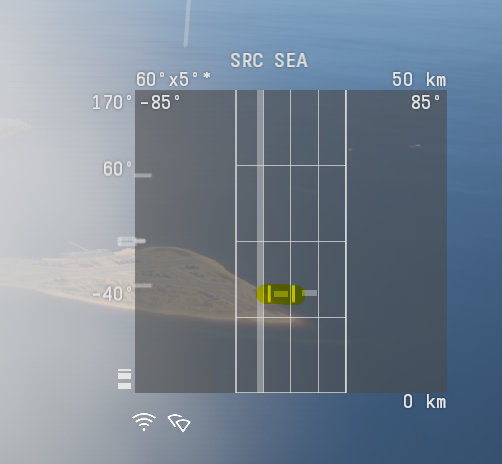
Then, press the keybind for “Lock Radar/IRST on target”, and the radar should lock onto the ship.

Next, press the keybind for “Fire secondary weapons” or “Fire air-to-ground missile”. A launch indicator will appear around the locked target.
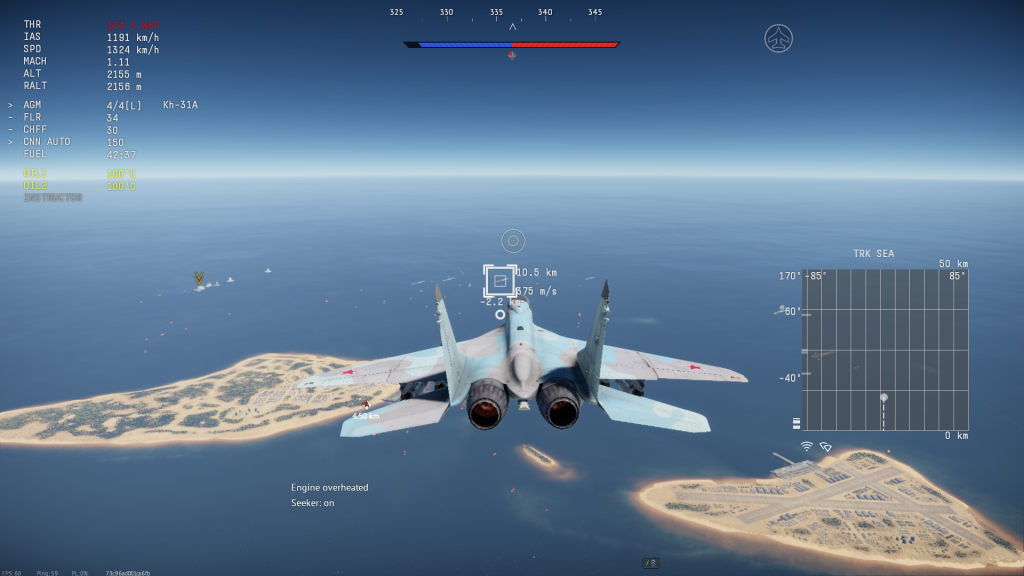
Then, press the same keybind again to launch the missile.